
 KhaBot
One key.
One balance.
Your rules.
AI models, web search, speech, images, storage and Linux machines, behind one API key. You pay each provider's price per use, from one balance, and you set the limit on every key. Use it from your own code, or from the KhaBot app on your desktop and servers.
kb_8f3a…c21eCredit remaining
$1.0000This call
$0.0000POST /api/v1/chat/completions{
"model": "khabot/glm-5.2",
"messages": [
{
"role": "system",
"content": "You are a concise support analyst."
},
{
"role": "user",
"content": "Summarize this ticket in one line: \"Customer cannot export CSV since the 2.4 update; Safari only; retried 3 times.\""
}
],
"stream": false
}CSV export broken on Safari after the 2.4 update, reproducible, customer retried 3×.
Starts at $1.0000. Each service is charged once per cycle.
Every live service, called with the same key. The prices are the real ones.
Recorded responses. The prices come from GET /api/service-prices as you load this page.
Two parts. One account.
KhaBot API
Runs in the cloud.
13 services under one base URL, with one error format and one bill. OpenAI- and Anthropic-compatible, so existing code works by changing the base URL.
Browse the APIKhaBot app
Runs on your machines.
AI agents that work inside your own project folders, on a desktop or a server. Use it from a window, a browser or the terminal, with the model providers you already have.
See the appThe ElevenLabs drop-in uses its own base path and error shape. Read the contract.
You pay for use. Nothing else.
Every price is published before you spend, and each request is itemised in your usage log. Pass-through OpenRouter models are billed at the provider's price. Plans are optional, and a failed request is free.
HTML to Markdown charges for a page fetched and then refused. KhaBot's own failures are free. See the exception.
What credit buys
Each row uses the whole amount, separately.
- Web searches
- n/a
- Images generated
- n/a
- Audio minutes transcribed
- n/a
Live prices. See every price.
A limit on every key.
Create up to 50 keys. Give each one as many budgets as you need, per day, week, month and in total, the services and models it may use, the storage it may reach, and an expiry date.
A key for each client, and you see what each one costs, request by request.
A key for each agent, and the worst case is the limit you set.
A key for each device, scoped to a single bucket.
Key settings (example)
Stopped means stopped.
Machines are Linux servers with root access, billed by the minute while they run. Stop one and it is saved. From then on you pay for its storage only. Start it by hand, by API or on a schedule.
build-box
StoppedA Linux machine. Its price depends on the size you pick.
- Compute / hour
- see Pricing
- Compute / minute
- n/a
- Storage / GB-day
- n/a
- Minimum / run
- n/a
- Transfer / GB
- n/a
Compute is billed per minute while the machine runs; storage and transfer are additional. Every size and price.
Stopped. Only stored changes accrue storage charges.
A place to put it to work.
KhaBot runs agents on your own computer or server, in the folders you already work in.
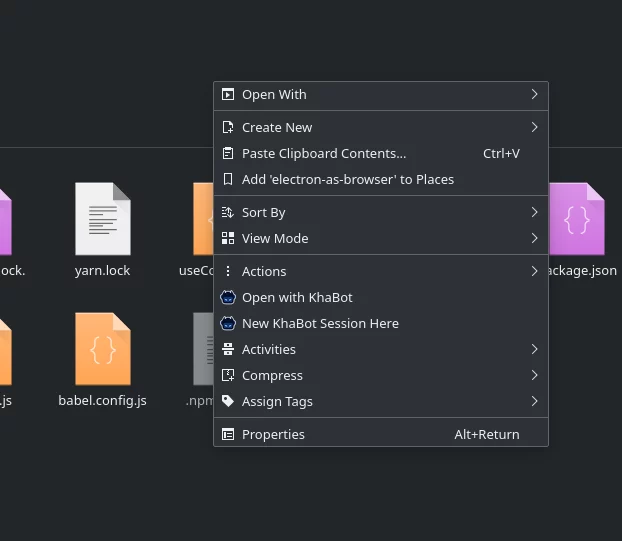
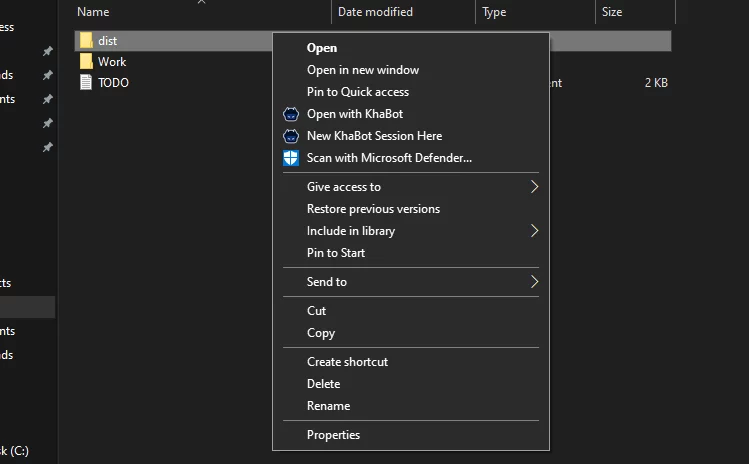
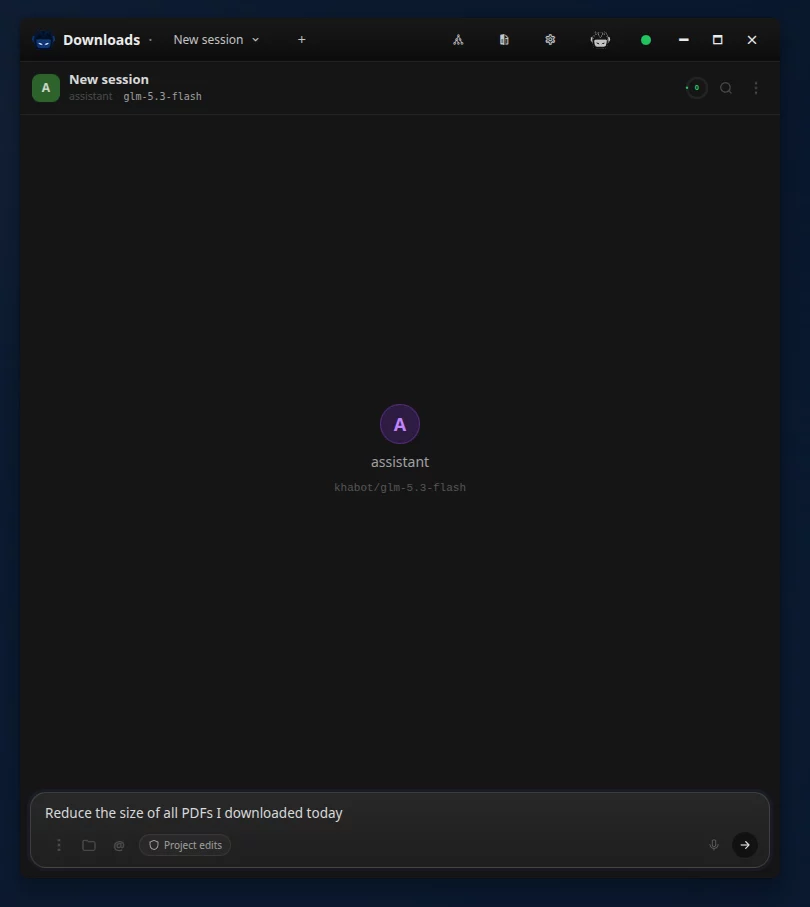
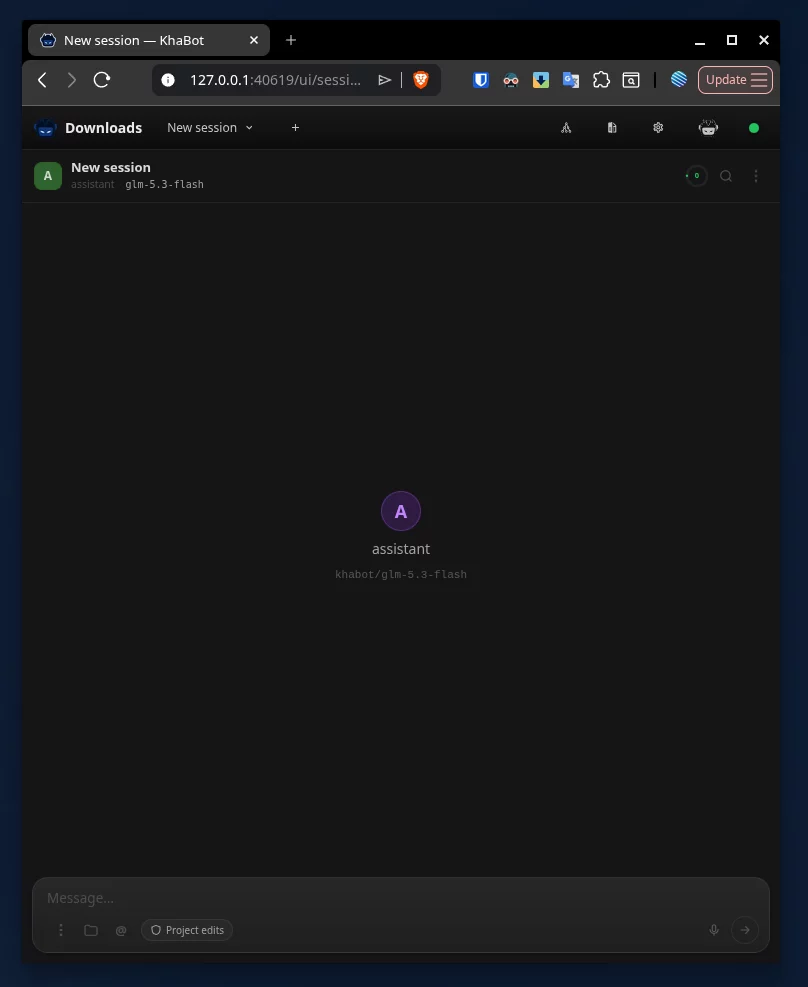
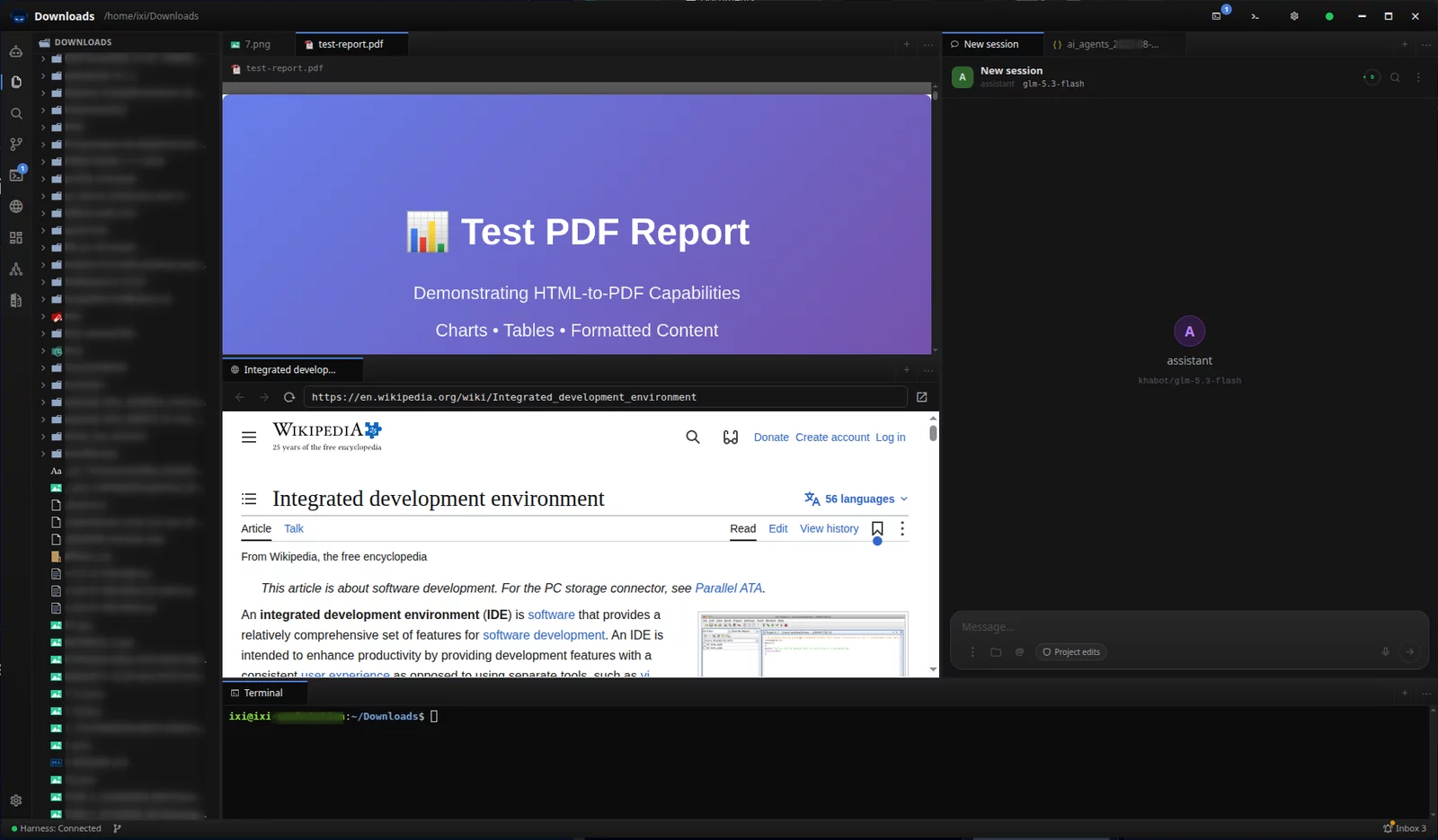
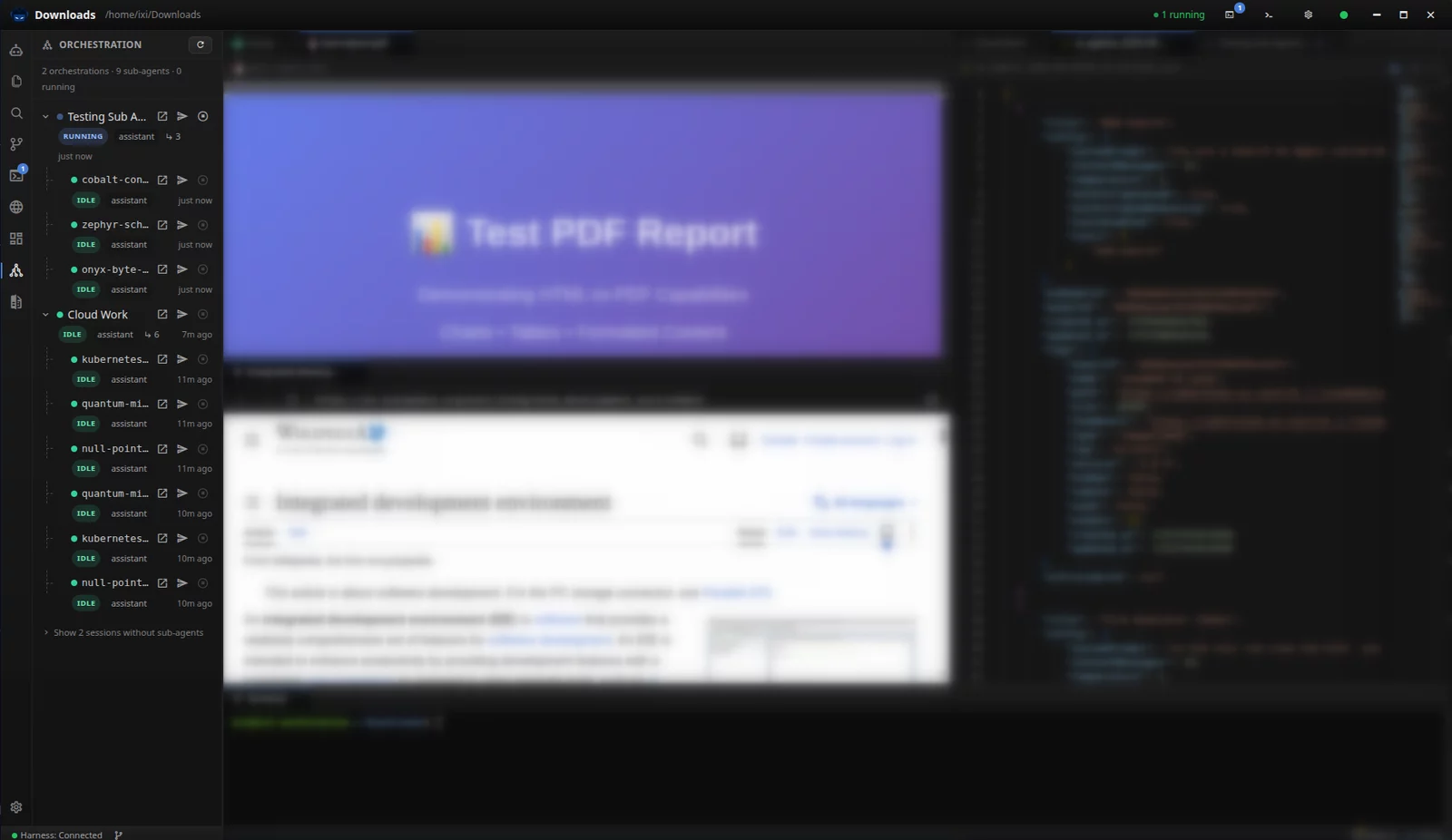
Working alone, or running a team.
Working alone
One balance instead of a dozen accounts.
A server that runs for an hour and costs for an hour.
Agents that work in your folders, on your machine.
Running a team
A key for each project, client or tool, each with its own limit.
Usage recorded per request, so every cent has an owner.
OpenAI- and Anthropic-compatible, so your code is never tied to KhaBot.
What we hold ourselves to.
What is live, and what is not.
| Service | State |
|---|---|
| Chat Completions | Live |
| Messages | Live |
| Web Search | Live |
| HTML to Markdown | Live |
| Image Generation | Live |
| Image Edit | Live |
| Speech to Text | Live |
| Text to Speech | Live |
| ElevenLabs | Live |
| Documents (JSON KV) | Live |
| Object Storage | Live |
| Machines | Live |
| Media search | Live |
Planned
- Autocomplete (FIM)Fill-in-the-middle completions for editors
- AI SearchA question in, a cited answer out
- Deep ResearchMulti-step research reports
- X / TwitterProfiles, posts and search, structured
- YouTubeMetadata, transcripts and channels
- RedditSubreddit feeds and comment trees
- Video GenerationText or image → short video
- OCR & Document AIPDFs and scans → text and tables
Planned services have no price and no date until they ship.
See what shippedQuestions
What do I pay when I am not using it?
Nothing is charged while you are idle. If you keep files in storage or keep a stopped machine, you pay for that storage until you delete it. Plans are optional and have their own monthly price.
Can I leave?
Yes. Chat uses the OpenAI and Anthropic formats, so moving away is a change of base URL. Your documents and files are stored behind APIs you can call yourself, so you can read, export, edit or delete them.
Where does my data go, and who runs the services?
KhaBot uses upstream providers to run its services. Pass-through models are supplied through OpenRouter and ElevenLabs voices through ElevenLabs. Each service describes what it does and the provider information that applies to it.
How does KhaBot bill?
Requests are billed at the published prices. Every price is listed before you spend, and each request is itemised in your usage log. Pass-through OpenRouter models are billed at the provider's price. Plans are optional.
Is it only for AI agents?
No. Anything that can send an HTTPS request can use the API: a script, a backend, a device, an agent, or you.
Do I need the app to use the API, or the API to use the app?
The API works alone. The app needs a KhaBot account to sign in and update, and it can run agents on the model providers you already have.